

What Is a Virtual Card? How It Works And Whether Your Business Needs One
As a team grows, "who has the company card" and "how much did we spend this month" get harder to answer if everyone is still sharing one physical card. This is usually the point where businesses start looking at virtual cards — a way to issue a separate spending card to every person or project, without opening a new bank account for each one.
What is a virtual card
A virtual card is a payment card number created entirely through software, with no physical card printed. It works like a normal Visa or Mastercard — it has a card number, expiry date, and CVV — but it's issued instantly, and its usage can be restricted right from the start.
For businesses, a virtual card usually sits on top of an existing bank account: the company funds a balance on the platform, then issues individual virtual cards to employees, teams, or vendors, each with its own limit and permissions.
How it's different from a traditional company card
A traditional company card is usually tied to one shared account, and if a business doesn't want to open dozens of separate bank accounts, several people end up using the same card number. By the end of the month, nobody remembers exactly whose charge was whose.
Virtual cards solve that directly: each card is its own record, tied to exactly one person or purpose. There's no card to mail out, nothing to lose — the card exists and is ready to use within minutes.
How virtual cards work
Most business virtual card platforms follow a fairly similar flow.
The card issuance process
- Fund a balance — the company transfers money into a shared workspace on the platform.
- Invite team members — an admin adds the employees, teams, or projects that need a card.
- Set a limit — each card gets a monthly spending cap that matches its role or approved budget.
- Issue the card — the virtual card is created instantly, ready for online payments or a digital wallet.
The whole process usually takes a few minutes, not the days it can take to get approved for a traditional business credit card.
Setting and adjusting spending limits
Every virtual card carries its own limit, and that limit can be changed at any time — raised for a campaign that needs more budget, lowered when spending needs to be tightened, or frozen instantly if something looks off. Once a card hits its monthly cap, it stops accepting charges until the next cycle, unless an admin raises the limit manually.
Why businesses choose virtual cards over a shared card
Spending control by person, team, or vendor
Because each card belongs to one person or one purpose, every transaction already has an owner attached to it. This matters most for companies running several budgets in parallel — marketing running ads, engineering paying for tools, operations settling vendor invoices — without the risk of everything blending into one unclear total.
Real-time tracking, no spreadsheets
Instead of reconciling receipts and bank statements at the end of the month, every transaction on a virtual card is logged the moment it clears, tagged with who made it and what it was for. That means finance teams see spending as it happens, instead of working from data that's already a week old.
Freezing a card the moment you need to
One of the clearest advantages of virtual cards is being able to freeze one instantly. When someone leaves the company, or a project wraps up, the related card can be shut off in one click — no more company cards quietly staying active weeks after someone's already gone.
Who should use a virtual card
Virtual cards make the most sense for businesses with more than a handful of people who need to spend independently, but don't want to open a separate bank account for each one. In practice, that's usually:
- Companies with multiple departments running separate budgets
- Remote teams and freelancers who need a card for tools and subscriptions without using a personal one
- Businesses that regularly work with several vendors or run multiple projects at once
- Any company trying to move away from a single shared card that's hard to track
Frequently asked questions
Does a virtual card replace our company bank account? No. A virtual card is a management layer on top of the balance you fund it with — it doesn't replace your existing bank account.
Is there a limit on how many cards we can create? Usually not — each card is just a record in the system, so creating one for a single vendor or a single trip is completely normal.
What happens when an employee leaves? Their card can be frozen immediately, and this can be done at any time.
How long does it take to get a new card? Typically just a few minutes from request to a ready-to-use card, once an admin approves it.
If your company is still sharing one card across the whole team, this is usually the point where it's worth moving to individual cards — easier to control, and a lot less risky when something goes wrong.
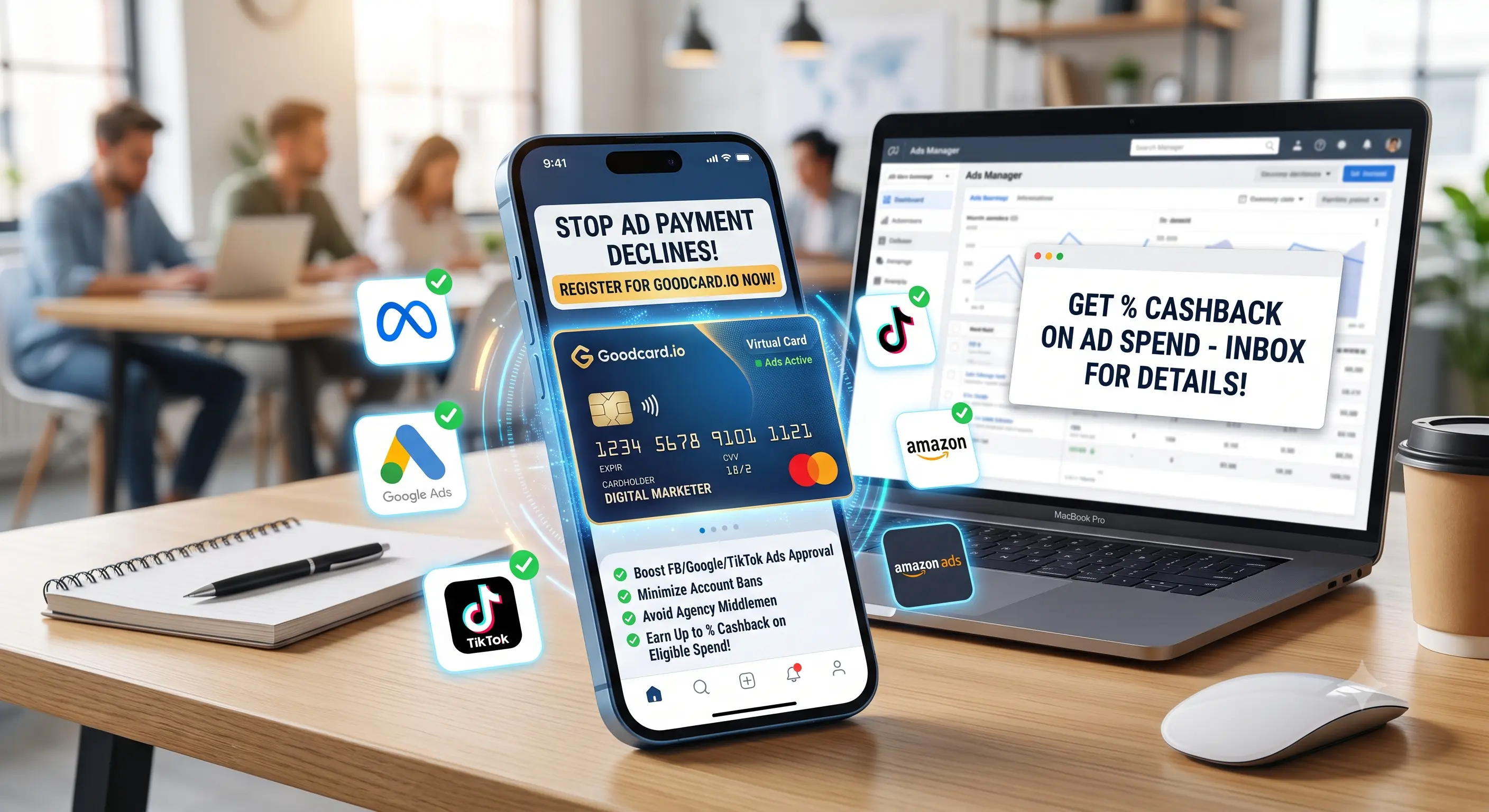
Open a GoodCard account today to issue multiple virtual cards across a range of BIN prefixes, giving you the flexibility to match each card to its purpose — internal spend, ad accounts, or paying international vendors.